Driving traffic to your website takes real effort and budget. Turning those visitors into paying customers is often the harder part. A shopper adds items to a cart and then gets distracted. A prospect fills out a contact form but never books a call. Many of them were interested and simply didn’t come back.
Email marketing automation for small businesses helps close that gap. Automated emails reconnect you with interested people at the right moment, without you writing and sending every message by hand.
In this guide, you’ll learn:
- How email automation works and why it matters for small teams
- How to set up abandoned cart emails, lead nurturing sequences, and retention campaigns
- Which workflows to build first and how to choose a platform
- Which metrics to track and which mistakes to avoid
What Is Email Marketing Automation for Small Businesses?
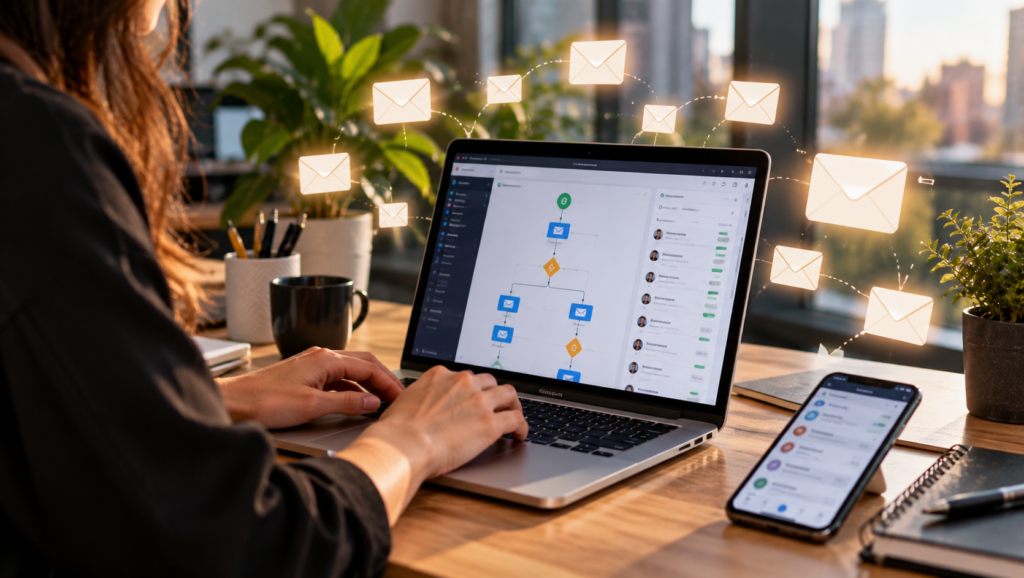
Email marketing automation uses software to send messages based on customer actions, interests, or scheduled events. Instead of writing individual emails, you build workflows once, and the platform delivers the right message when someone qualifies for it.
For example, a new newsletter subscriber can receive a welcome email within minutes of signing up. A shopper who leaves products in their cart can receive a reminder a few hours later, as long as they’ve agreed to receive marketing emails and your messages follow applicable rules.
How Email Automation Works
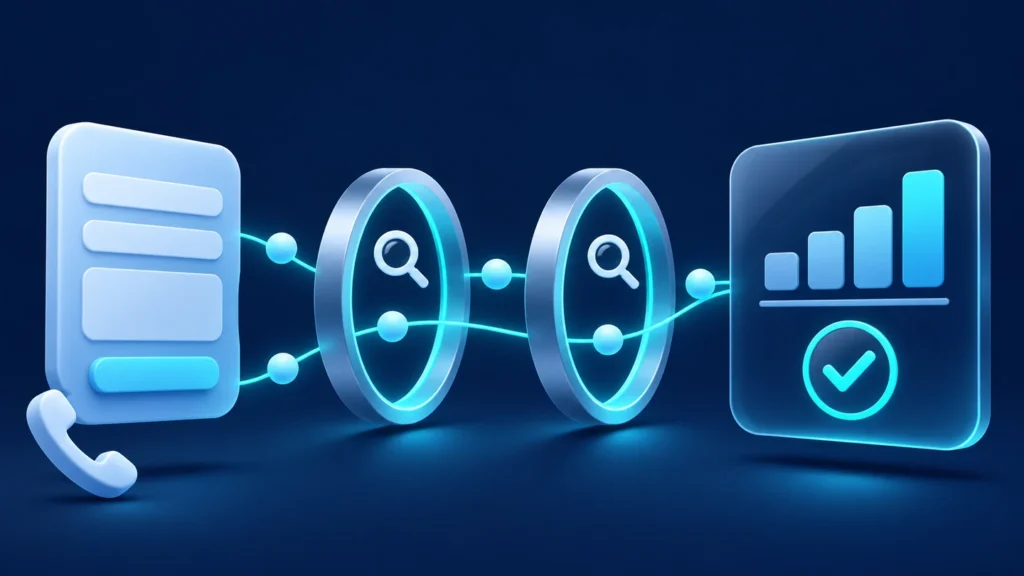
Most automated campaigns follow the same basic process:
- A customer takes an action, such as signing up, browsing, or starting checkout.
- Your email platform records the event through a website or store integration.
- The system checks eligibility, such as consent status or whether a purchase was already completed.
- An automated email goes out at the scheduled time.
- The platform tracks results, including clicks, conversions, and unsubscribes.
This setup keeps communication consistent while removing repetitive manual work. However, automation only performs as well as the messages inside it. Relevant content and sensible timing still make the difference.
Why Small Businesses Need Email Marketing Automation
Many small businesses pour most of their marketing budget into attracting new visitors through ads, social media, and website upgrades. That investment matters. Still, it often leaves a gap: what happens after someone shows interest but doesn’t buy?
Email automation helps you get more value from the traffic you already have. Here’s how.
1. Recover Potentially Lost Sales
Not every customer buys on their first visit. Some leave because of unexpected shipping costs, unanswered questions, or a simple interruption. A well-timed reminder gives interested shoppers an easy path back to checkout.
2. Save Time on Follow-Ups
Contacting every lead manually eats into your day. Automation handles routine confirmations, reminders, and follow-ups in the background. That frees you to focus on customer service, operations, and growth.
3. Improve Customer Communication
Customers expect timely, useful updates. Automated emails can deliver order confirmations, appointment reminders, and helpful resources without delay. The result is a more organized and professional experience.
4. Encourage Repeat Purchases
Your existing customers already know and trust you. Relevant follow-up emails can introduce complementary products or services they may need next. The key is balance, so customers see value rather than a constant stream of promotions.
How Abandoned Cart Recovery Emails Help Recover Sales
Abandoned carts are one of the most common challenges in ecommerce. A shopper adds several items, reaches the checkout page, and then leaves. Abandoned cart recovery emails remind eligible shoppers about what they left behind, which can help you recover sales without paying for another ad click.
A simple three-email sequence works well as a starting point.
First Email: Send a Friendly Reminder
Your first message should simply remind customers what they selected. Show the products, include a clear checkout link, and skip the sales pressure. A straightforward subject line like “You left something in your cart” is often enough.
Second Email: Answer Common Questions
Some shoppers hesitate because they need more information before buying. Use your second email to address likely concerns, such as shipping costs, return policies, or payment options. Clear answers can remove the friction that stopped the purchase.
Third Email: Encourage a Final Visit
Your last reminder invites customers to revisit their cart one more time. Some businesses add a small discount here, but incentives aren’t always necessary. Test whether offers actually improve profitability before making them a regular part of your sequence, since frequent discounts can train customers to wait for one.
Automated Email Sequences for Lead Nurturing
Not every potential customer is ready to buy right away. This is especially true for service-based businesses, where prospects often need several touchpoints before they commit. Automated email sequences for lead nurturing keep the conversation going while prospects compare options and make decisions.
Welcome New Leads
When someone submits an inquiry, send a confirmation email right away. Thank them for reaching out and explaining what happens next, including when they can expect a response. This small step builds trust and sets a professional tone from the start.
Share Helpful Information
Prospects usually have questions before they buy. Educational emails can explain pricing factors, project timelines, or the solutions you offer. For example, a web development agency might send a short guide on planning a business website, which answers common questions and shows expertise at the same time.
Encourage Consultation Bookings
Once you’ve shared useful information, invite prospects to take the next step. Use a clear call to action such as “Book a Consultation” or “Request a Quote.” Keep the sequence focused, and avoid overwhelming prospects with repeated sales messages.
Businesses exploring digital marketing and development services can also benefit from connecting website inquiries directly to email follow-up workflows, so no lead slips through the cracks.
Customer Retention Email Marketing for Repeat Business
Winning a customer is only the beginning. Keeping that relationship strong after the first purchase supports long-term growth. Customer retention email marketing helps you stay connected through relevant, well-timed communication.
Send Post-Purchase Emails
Customers appreciate helpful information after they buy. An ecommerce store might send product care instructions or setup tips. A service provider might share onboarding details or project updates to keep clients informed.
Recommend Relevant Products
Personalized recommendations can introduce products that match what customers already like. For instance, someone who bought a skincare cleanser may welcome information about a matching moisturizer. Keep recommendations useful and closely related, so they feel helpful rather than intrusive.
Request Customer Feedback
Feedback shows you what’s working and what needs improvement. An automated email can invite customers to share honest reviews or suggestions after they’ve had time to use your product or service. Keep the request short and simple, and never pressure customers for positive reviews.
Offer Loyalty Benefits
Exclusive offers or loyalty rewards can encourage repeat purchases. These campaigns work best when the benefits feel genuinely valuable. Focus on rewards your customers actually want rather than generic perks.
Five Essential Email Automation Workflows to Start With
You don’t need a complex system to see results from email marketing automation for small businesses. Start with a few workflows that solve your most common communication problems, then expand as you learn what works.
- Welcome email workflow: Introduce new subscribers to your business. Explain what you offer and what kind of emails they can expect from you.
- Abandoned cart workflow: Remind eligible shoppers about unfinished purchases. Include convenient checkout links and helpful product details.
- Lead nurturing workflow: Share educational content with prospects. Answer common questions and guide them toward a relevant next step.
- Post-purchase workflow: Provide order information, onboarding resources, or product instructions so customers feel supported after buying.
- Re-engagement workflow: Reconnect with subscribers who have stopped interacting. Offer relevant content, make it easy to update preferences, and remove contacts who no longer want to hear from you.
Quick tip: If you can only build one workflow this month, choose the one closest to revenue. For most online stores, that’s cart recovery. For most service businesses, it’s lead nurturing.
How to Choose an Email Marketing Automation Platform
The right platform depends on your website, business goals, and budget. Popular options include Mailchimp, Klaviyo, HubSpot, and Brevo. Each offers different features, integrations, and pricing, so compare them against your specific needs.
Check Website Compatibility
Your email software should connect smoothly with your website or ecommerce platform. Shopify stores, for example, may prioritize platforms with strong ecommerce integrations. WordPress sites may need compatible form plugins or CRM connections.
Review Automation Features
Look for these core capabilities:
- Automated email sequences
- Subscriber segmentation
- Contact management
- Ready-to-use email templates
- Conversion tracking
- Unsubscribe and preference management
Focus on what you need now rather than paying for advanced features you won’t use yet.
Consider Ease of Use
A complicated platform can create more work than it saves. Choose software your team can manage confidently without constant outside help. Free trials are a smart way to test usability before committing.
How to Measure Email Marketing Automation Success
Email automation should support clear business results. Sending more emails doesn’t automatically generate more revenue. What matters is how recipients respond and whether those responses lead to sales or qualified leads.
Test and Improve Campaigns
Review your results on a regular schedule, such as monthly. Test one element at a time, including subject lines, send times, calls to action, and message content. Base changes on real data rather than assumptions.
Common Email Marketing Automation Mistakes to Avoid
Even well-planned automation can underperform when key details get overlooked. Watch for these common mistakes.
Sending Too Many Emails
Frequent promotional messages can frustrate subscribers and drive unsubscribes. Set reasonable sending schedules and add frequency limits so one contact doesn’t land in several workflows at once.
Ignoring Mobile Users
Many customers read emails on their phones. Use responsive layouts, readable font sizes, and buttons that are easy to tap. Always preview emails on mobile before launching.
Using Generic Messages
Sending the same content to every subscriber reduces relevance. Segment your list based on interests, purchase history, and actions taken. Even basic segmentation, such as separating customers from prospects, can make your emails more useful.
Forgetting Email Deliverability
Your emails can’t recover sales if they land in spam. Set up SPF, DKIM, and DMARC authentication for your sending domain. Keep your contact list clean and monitor bounce rates and delivery issues.
Ignoring Email Marketing Regulations
Commercial emails must follow applicable laws. For businesses in the United States, review the FTC’s CAN-SPAM compliance guide. If you email customers in other regions, check local rules as well. At a minimum, include accurate sender information, honest subject lines, and a clear way to unsubscribe.
How Email Marketing Works With Website Development and Digital Marketing
Email automation becomes far more effective when it connects with your other marketing channels. Your website, online store, CRM, and ad campaigns all generate signals that can trigger relevant emails.
Connect Website Forms With Email Workflows
When someone submits a form, send an immediate confirmation. Let them know when to expect a response and what happens next. This simple step reduces uncertainty and improves the overall experience.
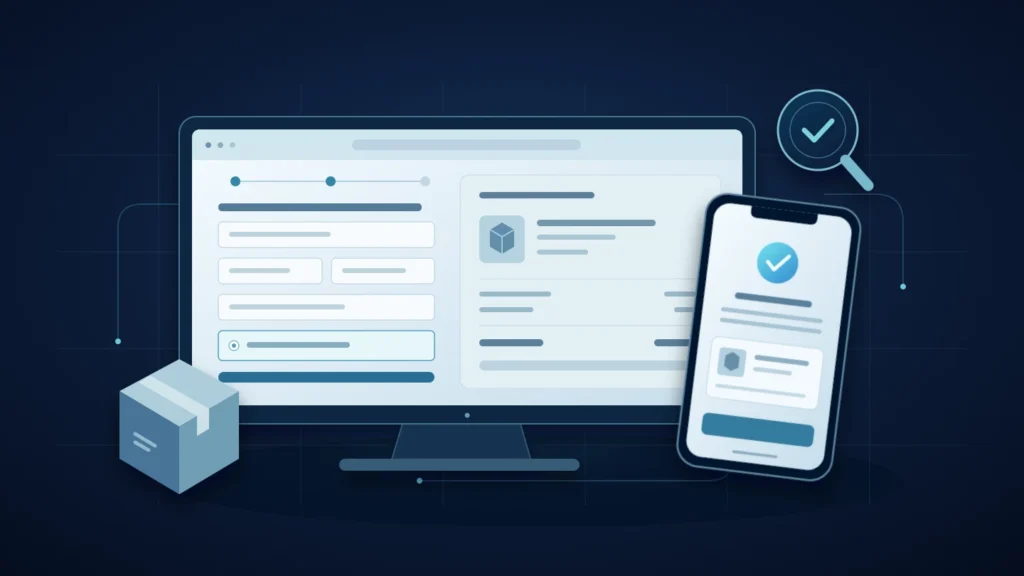
Integrate Ecommerce Platforms
Online stores can link checkout activity to email workflows. These may include purchase confirmations, product education, and eligible cart reminders. A strong integration ensures the right email goes to the right customer at the right time.
Connect Paid Advertising With Lead Nurturing
Start with the page that captures the enquiry: our Google Ads landing page versus homepage guide helps you choose that destination. For leads arriving through social content, connect the follow-up to a consistent social media content funnel.
Ad campaigns can feed new leads directly into appropriate email sequences. For example, someone who requests a consultation through an ad can receive helpful information before their appointment. This creates continuity between the ad they clicked and the conversation that follows.
For businesses planning integrated campaigns, The City of Code offers website development and digital marketing solutions designed to work together.
Why Choose The City of Code for Email Marketing Automation?
Successful email marketing takes more than attractive templates. You need relevant messaging, dependable workflows, and clear conversion goals. The City of Code offers email marketing alongside website development, ecommerce solutions, and digital advertising, so your campaigns can work as part of a connected strategy.
- Email campaign planning: We start by understanding customer behavior, including where visitors drop off, what questions they ask, and when follow-ups may help.
- Email design and content: Clear subject lines, readable layouts, and focused messages give every email a specific purpose and a relevant call to action.
- Automation integration: Workflows can connect with your website, ecommerce platform, and CRM, configured around your business requirements.
- Performance monitoring: We track conversions, qualified leads, and engagement, then use those insights to improve results over time.
- Contact The City of Code to Discuss Your Email Marketing Strategy
Frequently Asked Questions
What is email marketing automation for small businesses?
It’s the use of software to send relevant emails based on customer actions, interests, or schedules. It helps small businesses manage follow-ups, nurture leads, and stay in touch with customers without manual effort.
Can automated emails help recover abandoned carts?
Yes. Automated reminders can encourage eligible shoppers to return and complete their purchases. Results depend on factors like customer interest, product pricing, and the ease of your checkout process.
How many emails should a lead nurturing sequence include?
Three to five emails is a practical starting point. The right number depends on your sales cycle and how much information prospects need before deciding.
Is email marketing automation expensive?
Costs vary by platform, list size, and features. Many providers offer free or low-cost starter plans that suit smaller businesses, with room to upgrade as you grow.
How does email automation improve customer retention?
Relevant updates, product guidance, and thoughtful follow-ups keep customers engaged after their first purchase. The most effective campaigns focus on customer needs rather than constant promotion.
Start Recovering Lost Sales With a Smarter Email Strategy
If customers are leaving your website without completing purchases or inquiries, a structured email automation strategy can help you reconnect with them.
At The City of Code, we help businesses build digital marketing solutions that support lead generation and customer engagement. Whether you need welcome emails, cart recovery workflows, or customer follow-ups, we’ll help you design a strategy around your audience and goals.
Make every customer interaction count.